Clean Up Resources
We will follow the steps below to delete the resources we created during this hands-on lab.
🧹 Delete Lambda Function
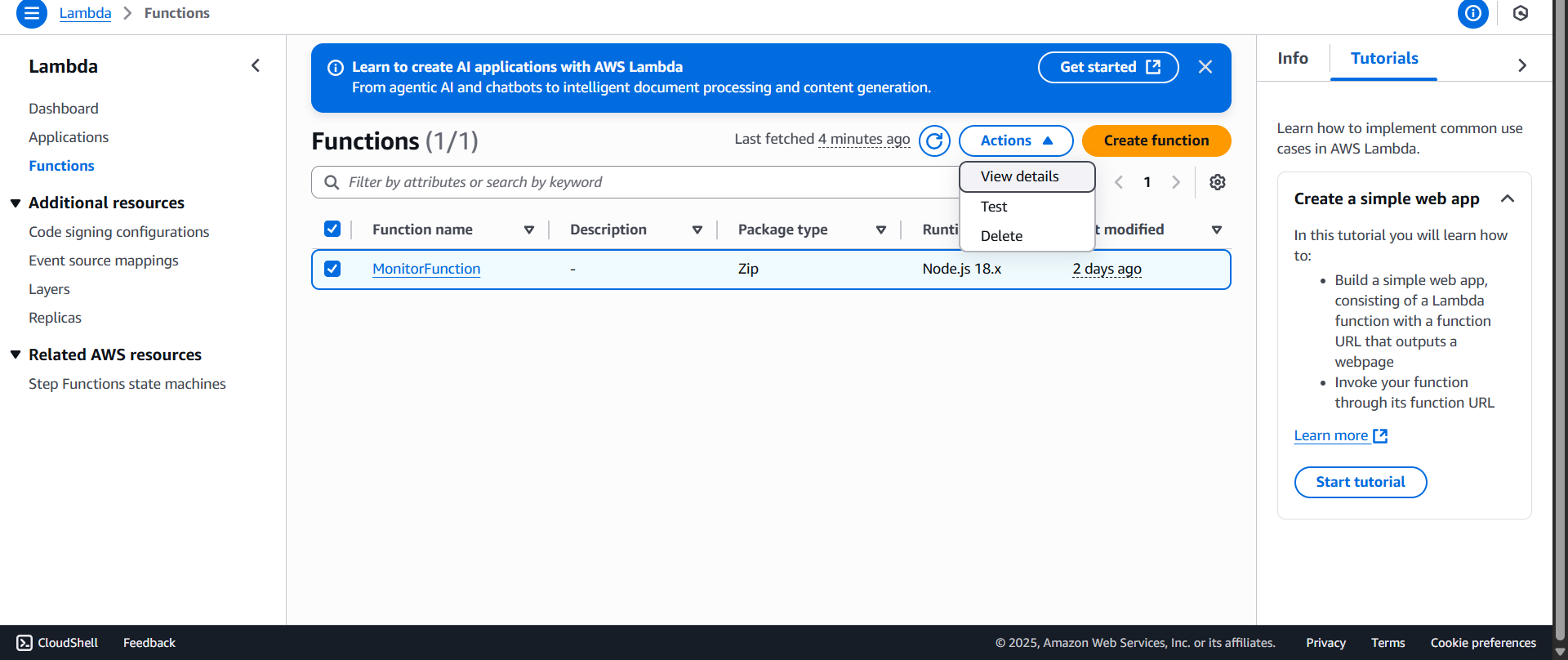
- Go to the AWS Lambda Console
- Select the Lambda function to delete, click Actions, then select Delete
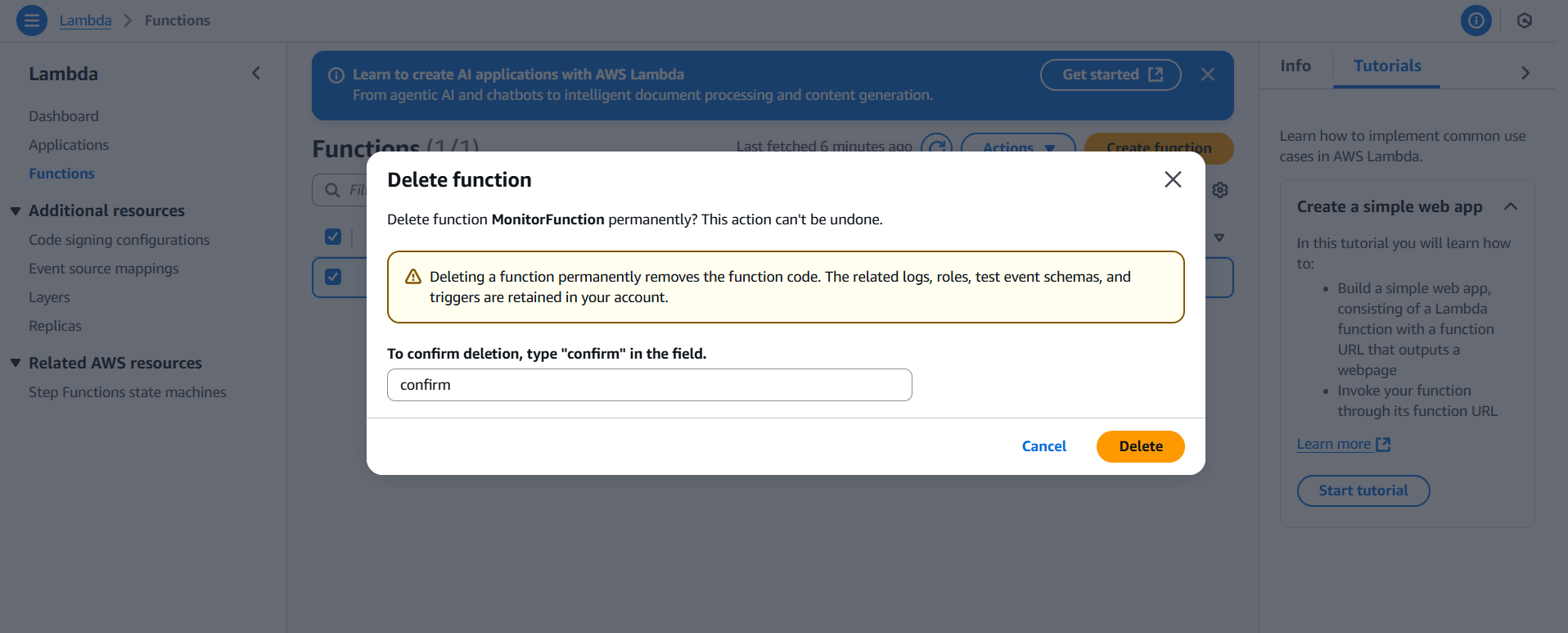
- A confirmation dialog will appear — type
confirmand click Delete
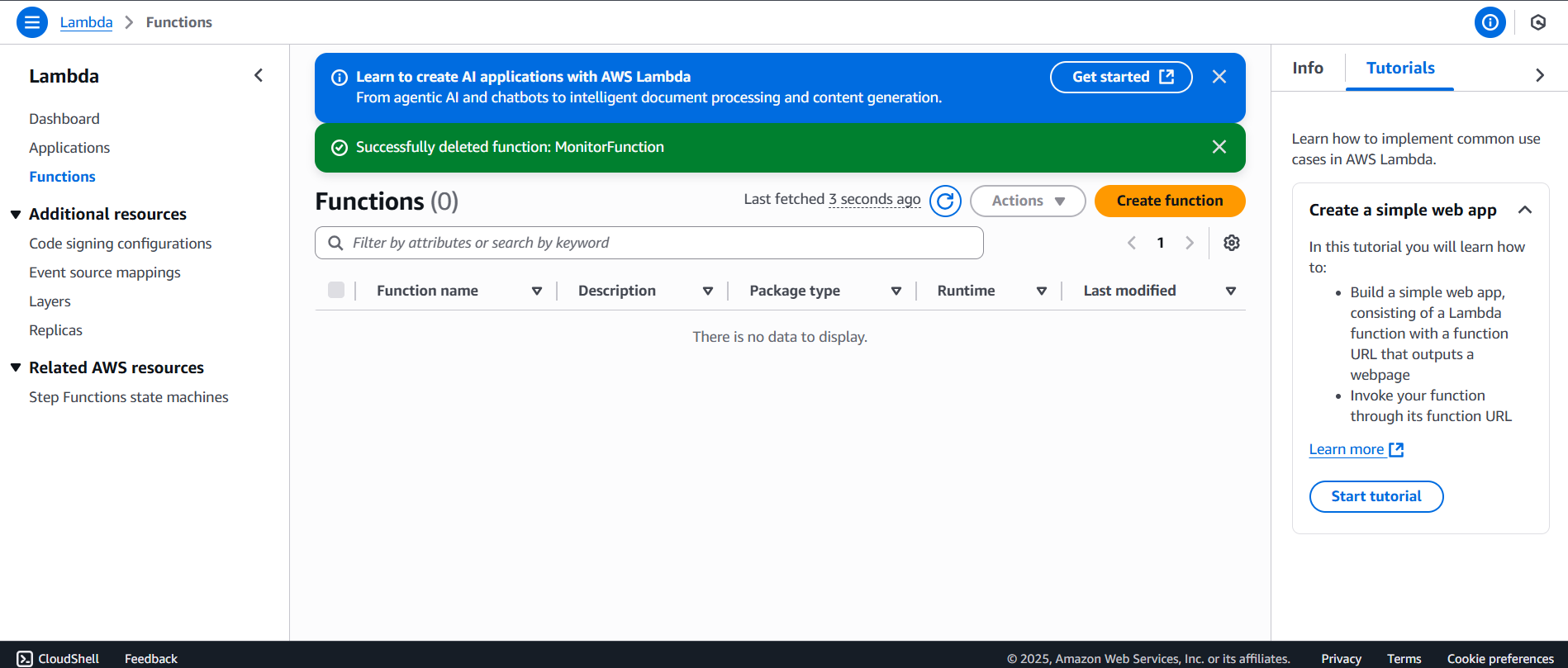
- Once confirmed, a success message will appear as shown:
📊 Delete CloudWatch Dashboard
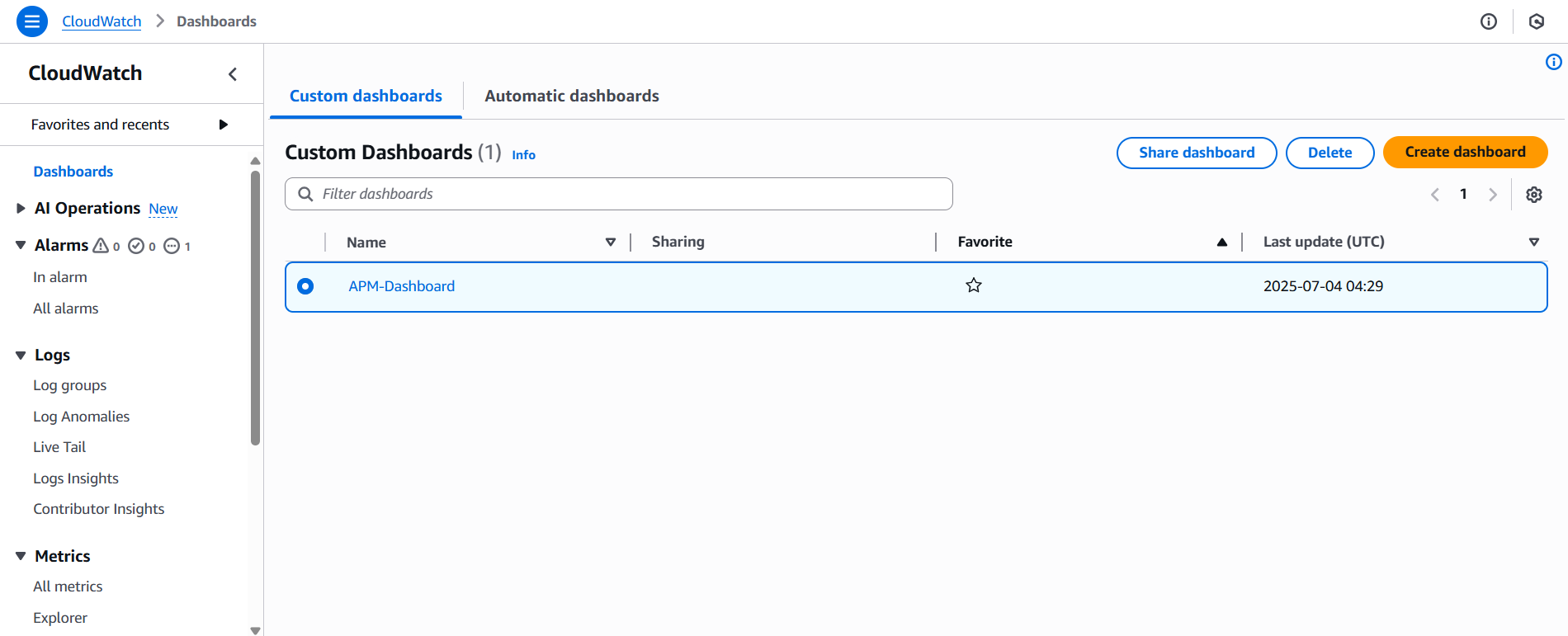
- Go to the CloudWatch Dashboard management page
- Select the dashboard to delete, then click Delete
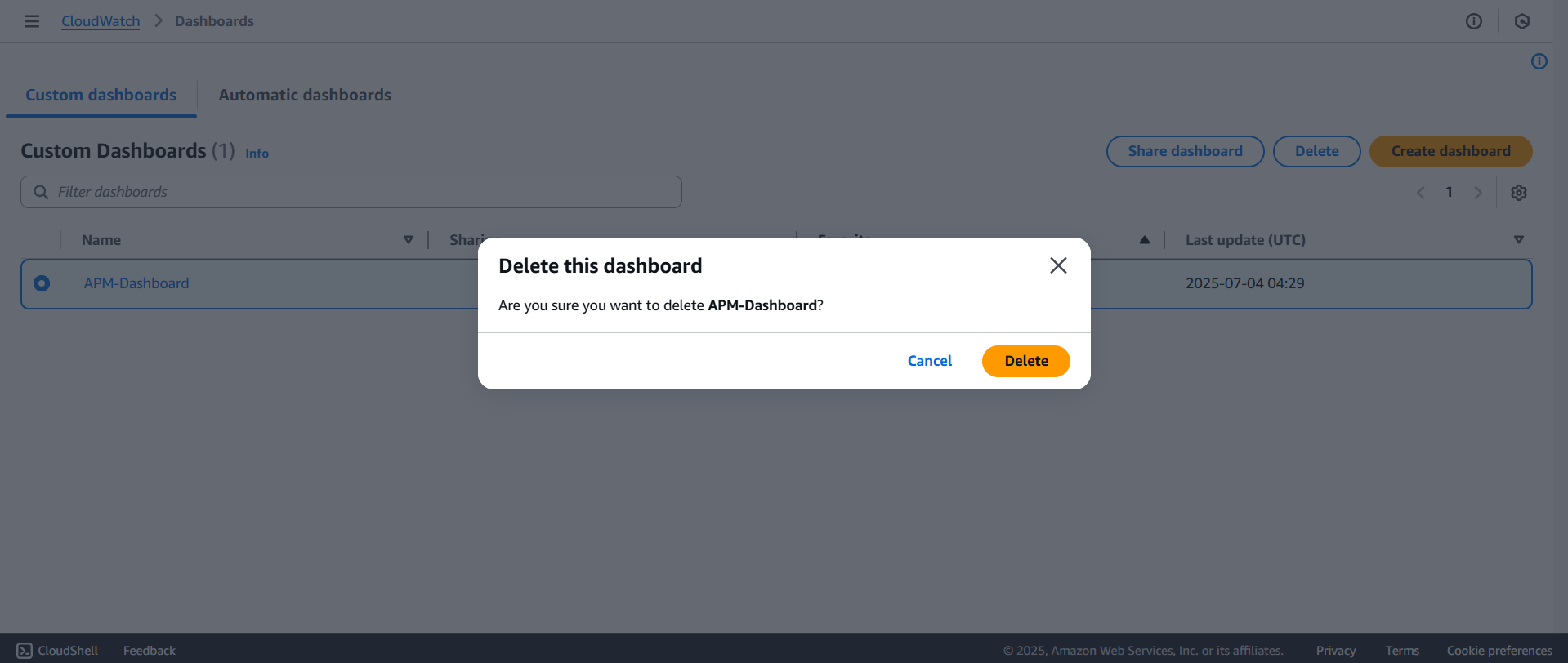
- A confirmation dialog will appear — click Delete
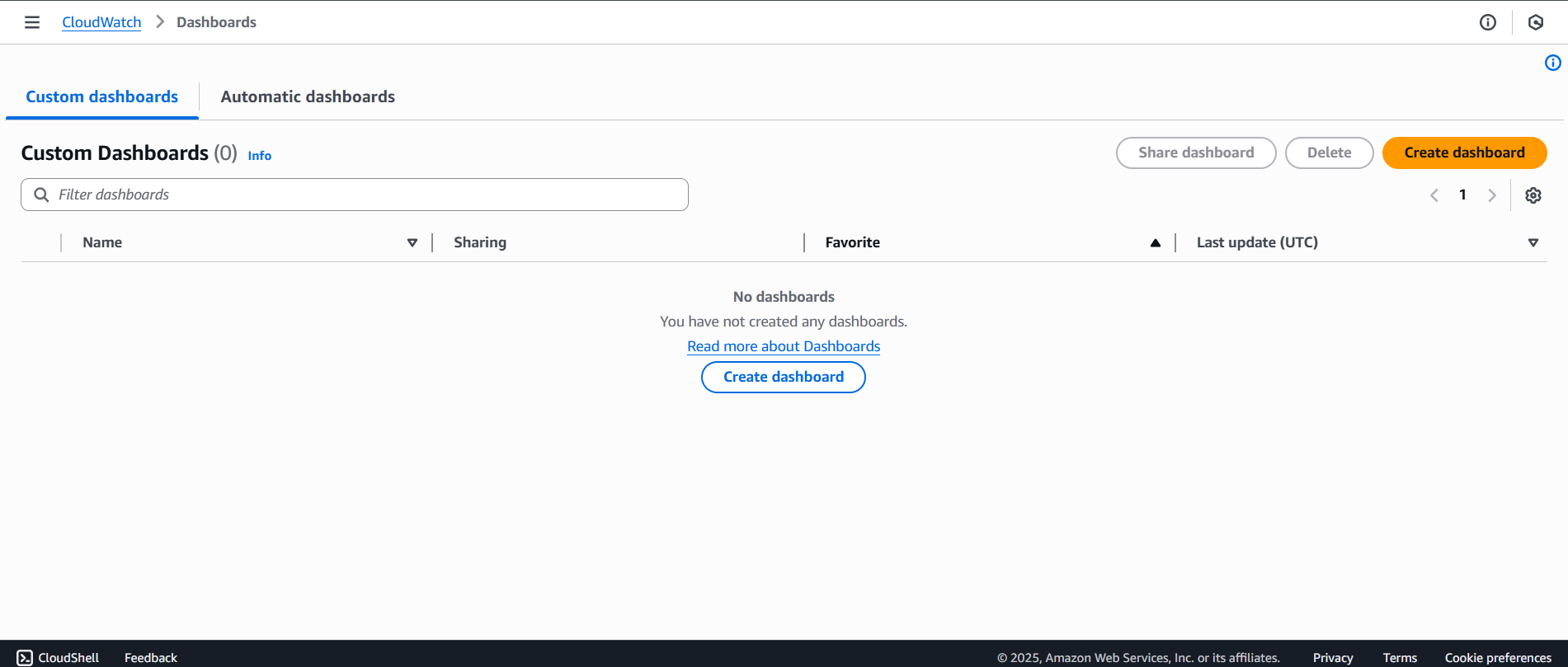
- The dashboard is successfully deleted:
🚨 Delete CloudWatch Alarms
- Go to the CloudWatch Alarms page
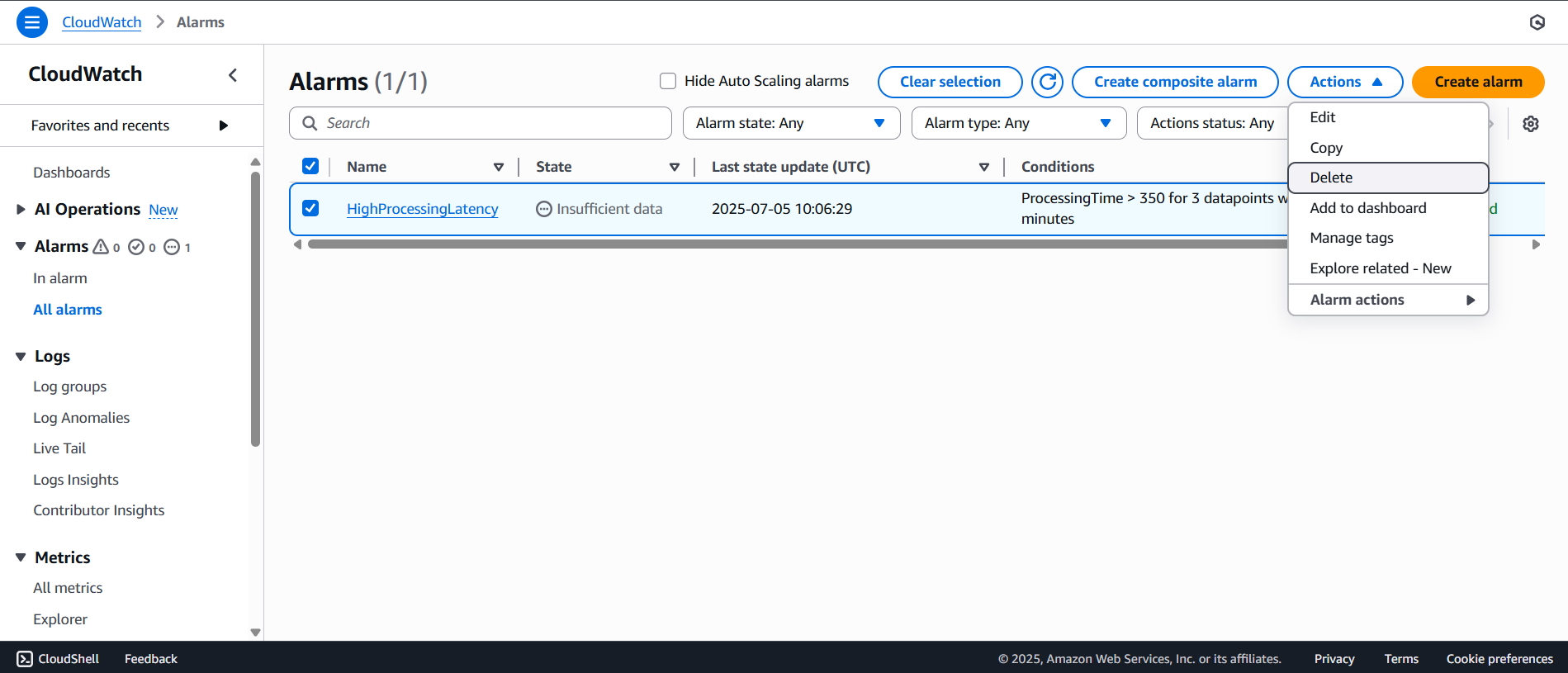
- Click on All alarms
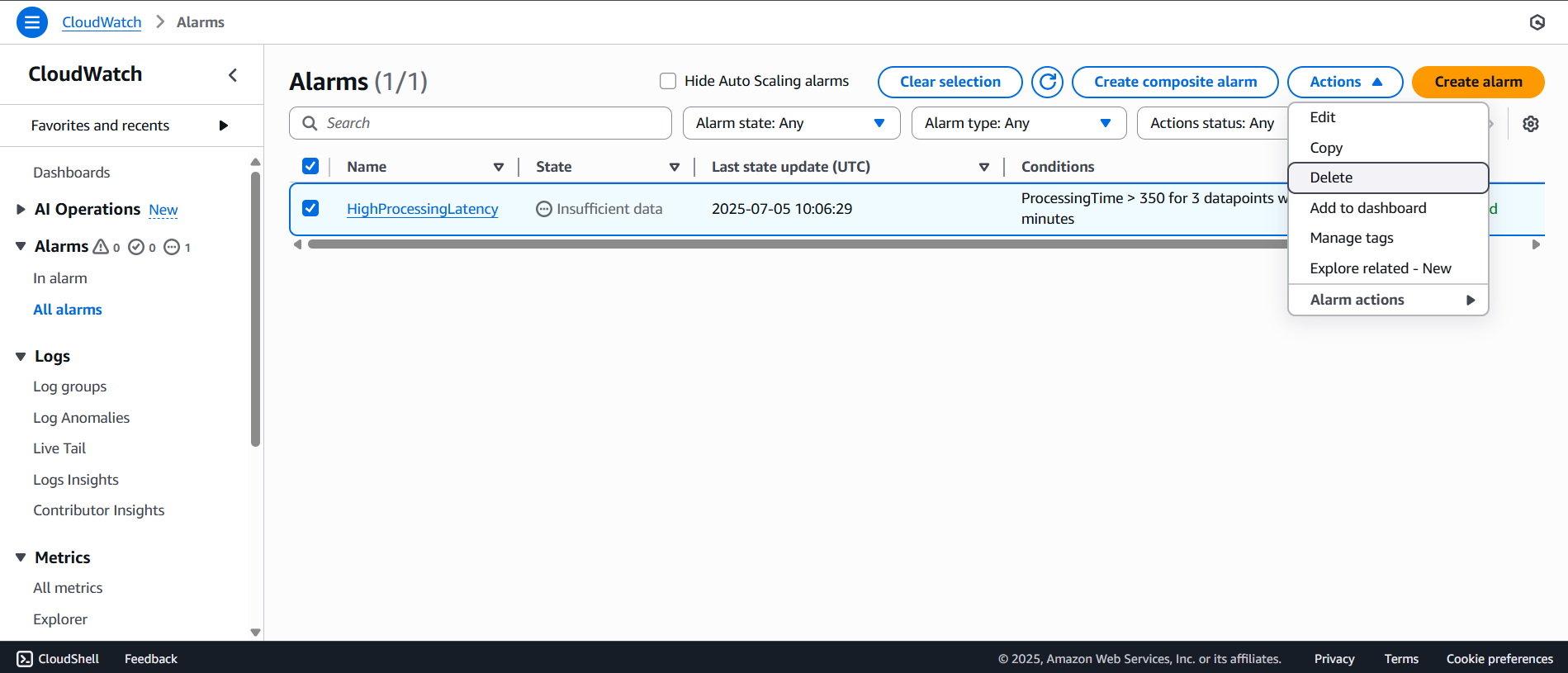
- Select the alarm you want to delete
- Click Actions, then select Delete
- A confirmation dialog will appear — click Delete
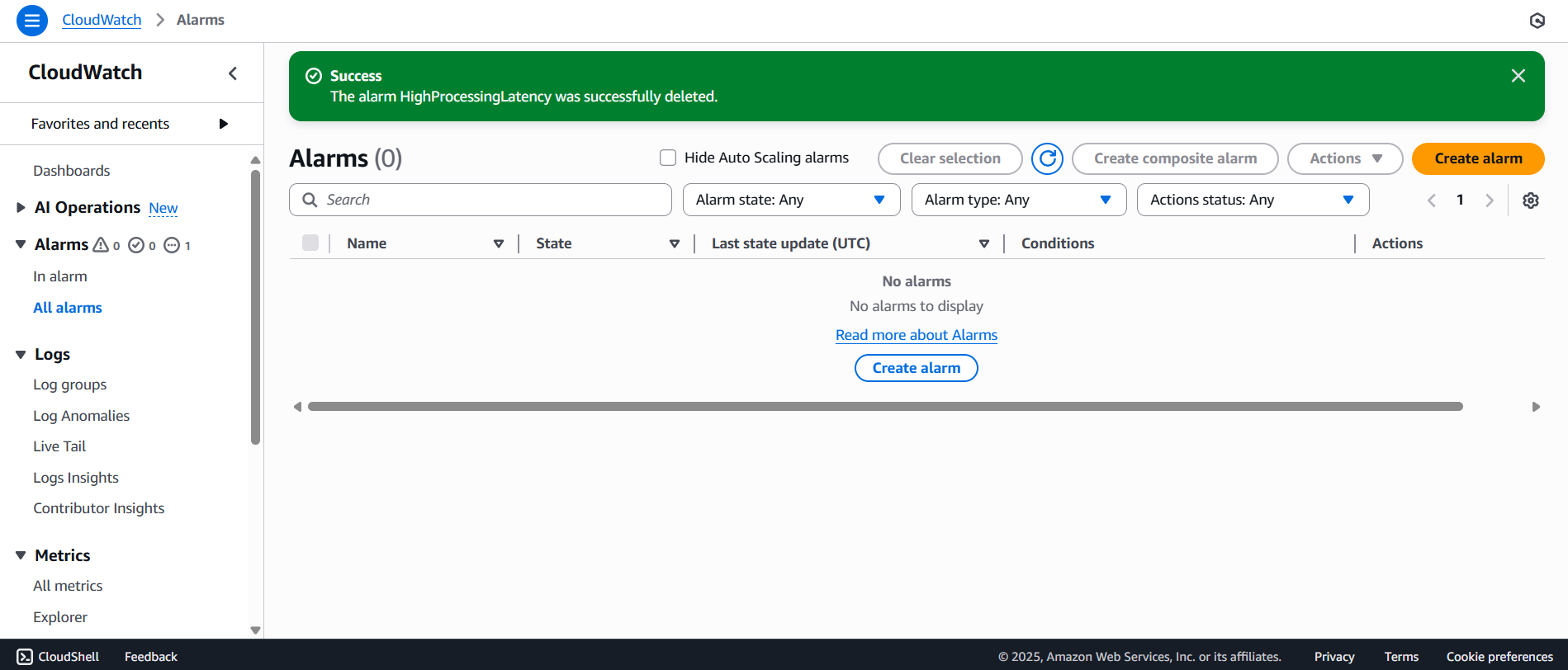
- A success message will be shown after deletion:
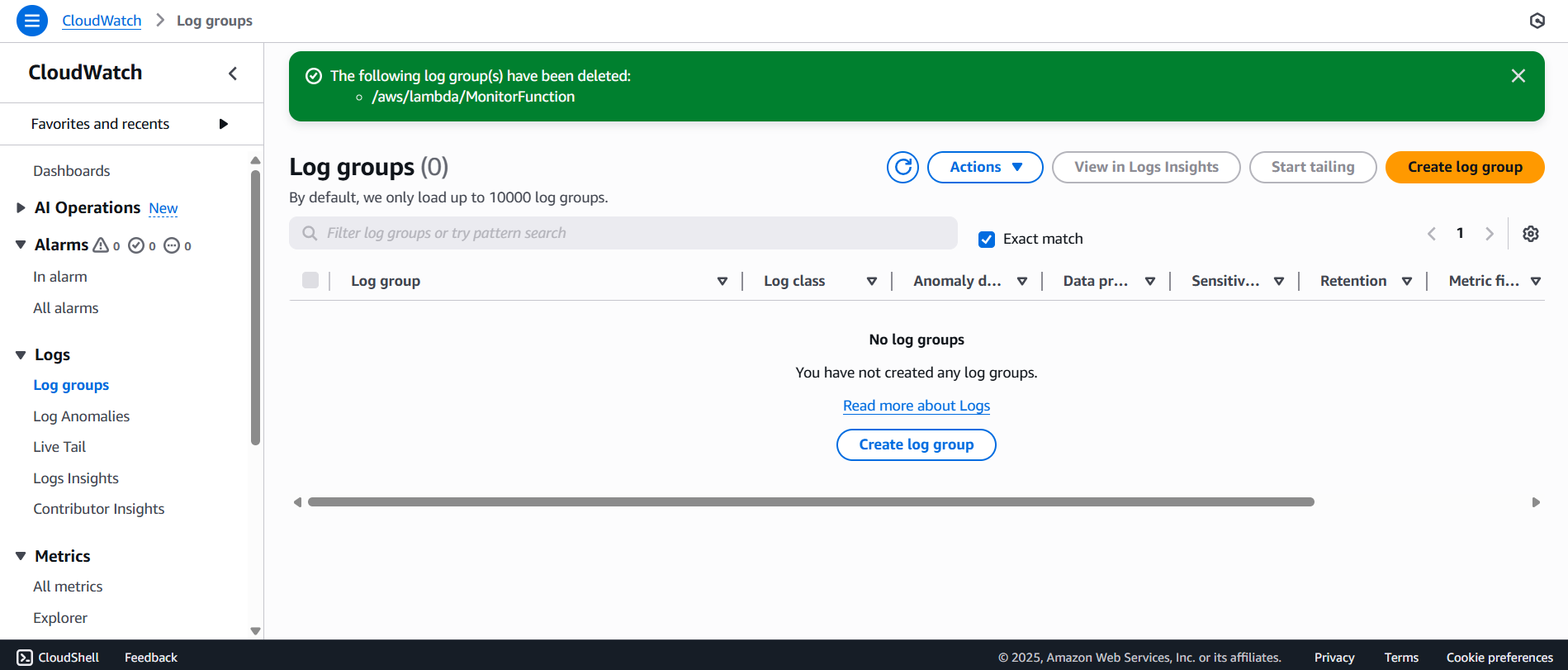
📝 Delete Log Groups
- Go to the Log Groups management page
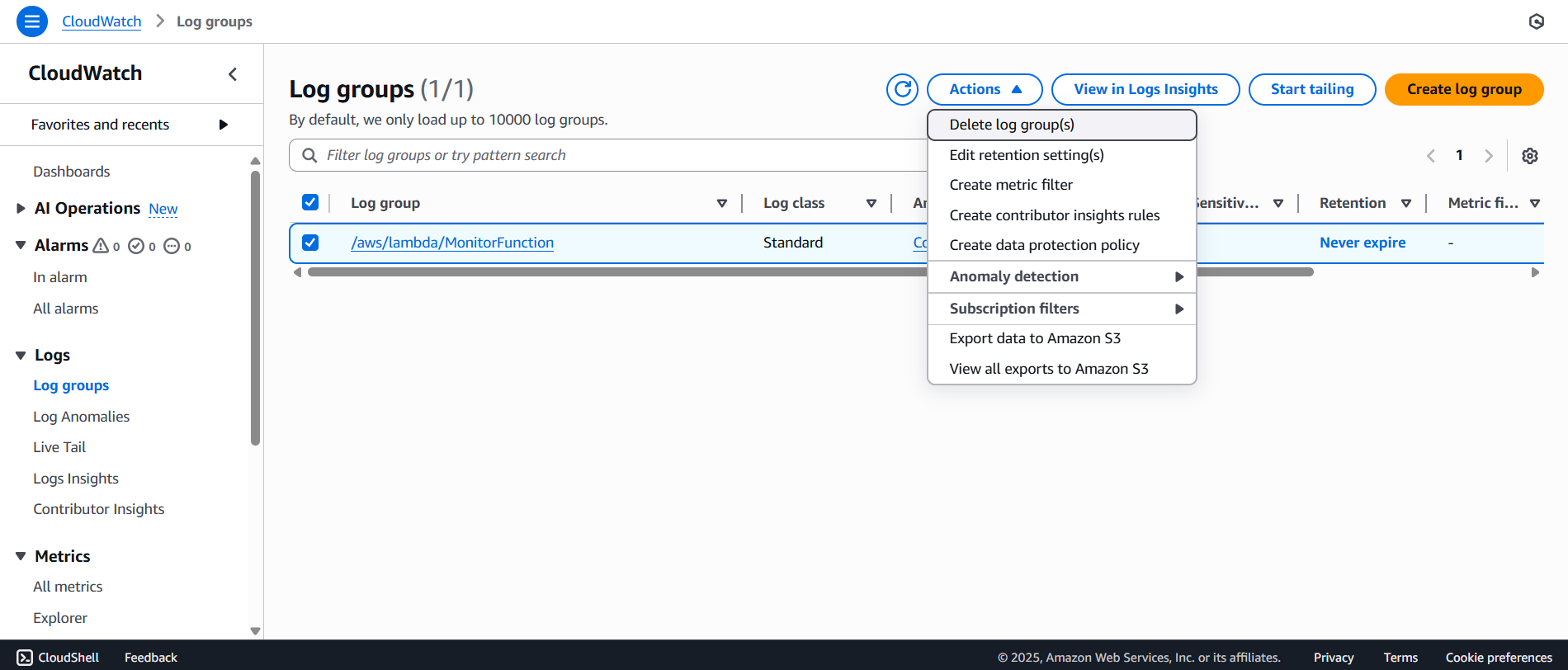
- Click the log group you want to delete
- Click Actions, then choose Delete log group(s)
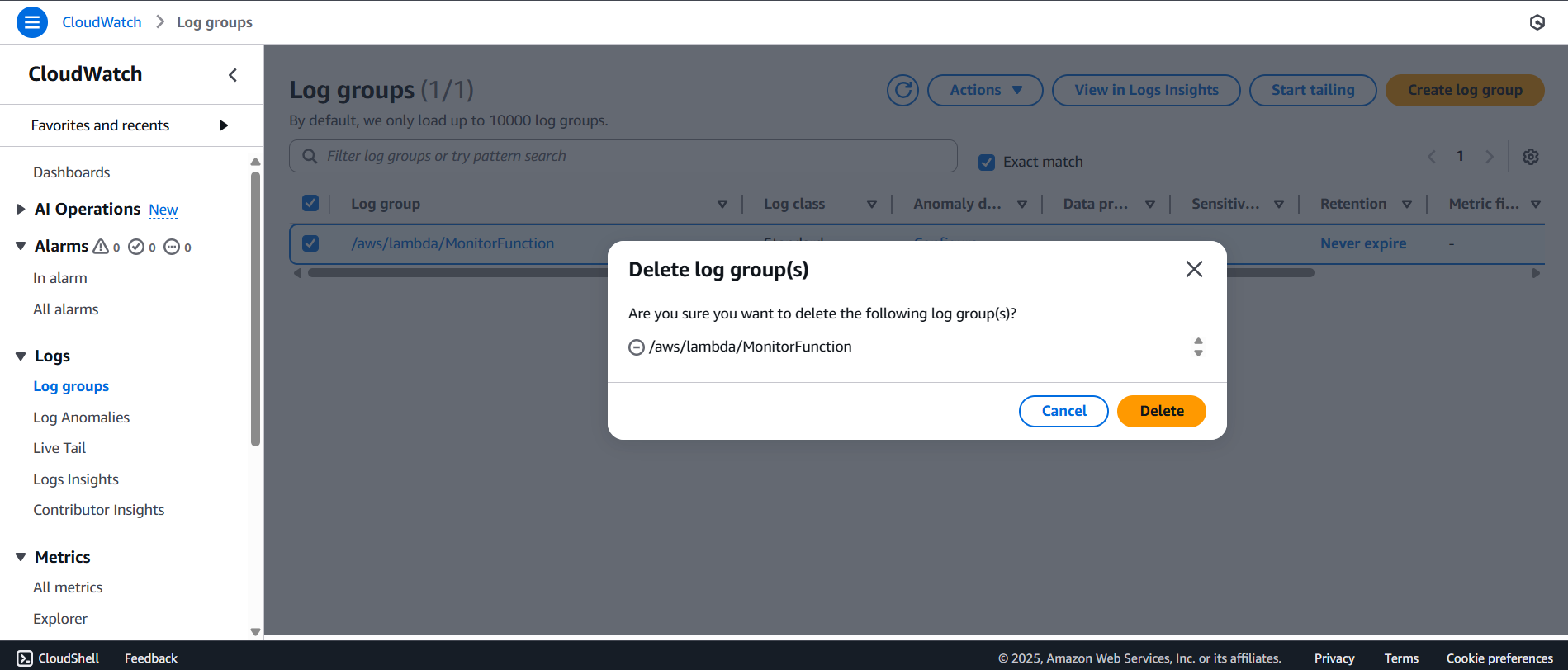
- A confirmation dialog will appear — click Delete
- A success message will be displayed after deletion: